
METAR-TAF
Airports :
Red Lake Airport
Red Lake, Ontario, Canadalatitude: 51-04N, longitude: 093-48W, elevation: 375 m
Current weather observation
The report was made 35 minutes ago, at 20:00 UTC
Wind 9 kt from the South with gusts up to 17 kt, varying between South/Southeast and Southwest
Temperature 7°C
Humidity 53%
Pressure 1016 hPa
Visibility: 24.1 km
Scattered clouds at a height of 24000 ft
METAR: CYRL 062000Z 19009G17KT 150V220 15SM SCT240 07/M02 A3000 RMK CI4 SLP178
Time: 15:35 (20:35 UTC)
Forecast
The report was made 55 minutes ago, at 19:40 UTC
Forecast valid from 06 at 20 UTC to 07 at 02 UTC
Wind 8 kt from the South
Visibility: 10 km
Clear sky
From 07 at 0000 UTC
Wind 15 kt from the South/Southwest
Visibility: 10 km
Scattered clouds at a height of 16000 ft
TAF: CYRL 061940Z 0620/0702 18008KT P6SM SKC FM070000 20015KT P6SM SCT160 RMK NXT FCST BY 071100Z
Weather observations and forecasts of more than 4000 airports (METAR and TAF reports).
The available stations are represented by yellow and red dots on the map.
Hover mouse over dot to see the name of the station.
Then click to see weather observations and forecasts.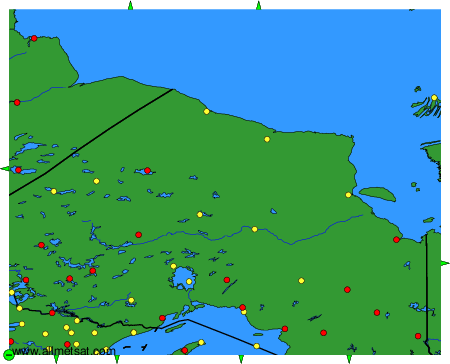
To change the map : click on the green buttons with a black cross to zoom in, on the green button with a dash to zoom out, or on the green arrows for adjacent maps.